How to Verify Off-White Coupons at Checkout
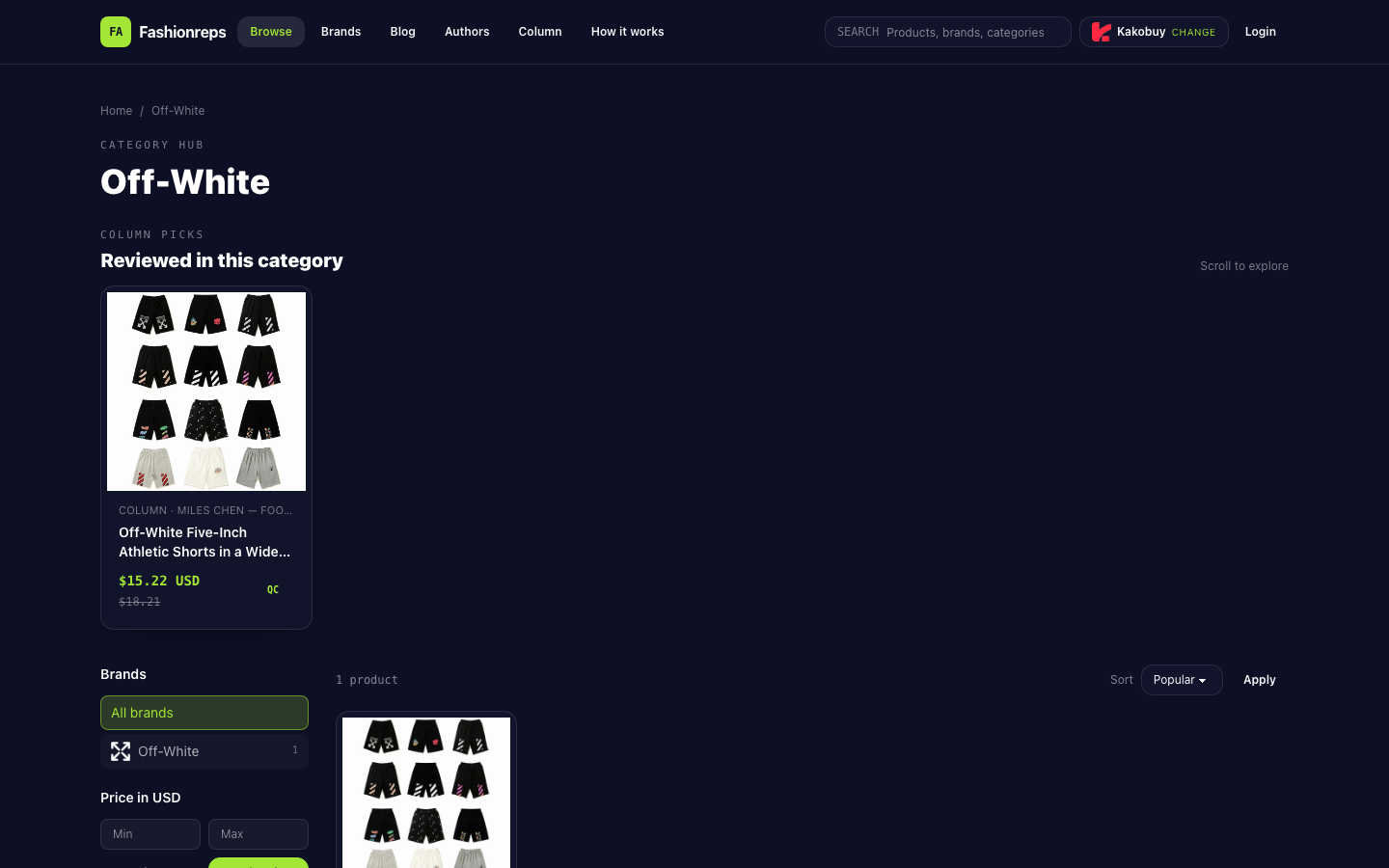
If you plan to buy Off-White items through a shopping agent, you can't just look at the "available" label on the coupon page to know if it really works. A better way is to check the coupon terms, eligible items, and checkout amount together as one chain of evidence. The currently viewable Fashionreps Off-White category page shows 1 item in th
Marcus LindqvistMarcus Lindqvist is the site's Editor in Chief, approving every order sheet and writing most of its shipping-line comparisons. His coverage includes agent fee structures, freight-line selection, customs and duty information, and QC photo checks. He approves the order sheet before checkout, then records checkout-to-warehouse, QC photo turnaround and line-handover times to the hour. He weighs and measures every parcel before opening it, films the unboxing on a fixed tripod, and checks fee and duty calculations against the actual invoice two weeks after arrival.
Editor score 4.2 / 5
Insight

If you plan to buy Off-White items through a shopping agent, you can't just look at the "available" label on the coupon page to know if it really works. A better way is to check the coupon terms, eligible items, and checkout amount together as one chain of evidence.
The currently viewable Fashionreps Off-White category page shows 1 item in this category. The listed Off-White Five-Inch Athletic Shorts has a reference price of $15.22, and the page also shows a previous reference price of $18.21. That's just product page info, not a coupon discount, and you can't use it to guess the final payment. The category page also notes that the buy button goes to a third-party shopping agent you choose, and the agent's site handles orders, payment, and shipping. So coupon results depend on the actual agent checkout page.
Distinguish product price from coupon savings
The reference price on the product page only helps you confirm which item you're looking at; it doesn't prove there's a coupon you can get or use. Don't confuse these three amounts:
- Product reference price: used to identify the item or for a rough budget.
- Order subtotal: the item amount after adding to cart, choosing quantity and specs.
- Final amount due: may also include service fees, shipping, taxes, currency conversion, or other order charges.
Only if the checkout page shows a verifiable change before and after entering the coupon can you say the coupon actually affected this order. The current source doesn't give a verifiable Off-White coupon code, discount amount, minimum spend, expiration date, or excluded items, so you can't claim there's a discount or guarantee savings.
Save coupon evidence before checkout
After choosing the item and shopping agent, first open the coupon details shown by that agent and save the page or screenshot that confirms the terms. At least record these fields:
- Coupon name or code
- Eligible platform and eligible account
- Eligible items, brands, or categories
- Minimum spend amount and how it's calculated
- Discount amount, percentage, or maximum reduction
- Excluded items, special specs, and non-stackable items
- Start and expiration time
- Whether it requires new users, specific regions, or specific payment methods
- Whether it can be combined with store, platform, or other coupons
If the page only shows "claim" or "available" without explaining scope and validity period, don't treat it as a confirmed order discount. And don't use the old reference price on the product page to back-calculate extra coupon savings.
Compare before and after on the same order
When checking, try to keep the item, quantity, specs, shipping region, and shopping agent the same, and only change whether you apply the coupon. That way you can tell if the amount difference comes from the coupon, not from a change in order conditions.
Follow this order:
- Open the Off-White product page and confirm the item name, specs, quantity, and current reference price.
- Go to the order or cart page through your chosen shopping agent and record the item subtotal without the coupon.
- Record service fees, shipping, taxes, or other shown fees, and save a screenshot of checkout without coupon.
- Enter or select the coupon and check if the system shows it applies, the discount amount, and the new subtotal.
- Check service fees, shipping, exchange rate, and final amount due again to see which part changed.
- Save a screenshot of checkout with coupon applied, making sure it includes order conditions, discount amount, and final amount due.
Use this table to record before and after:
| Check item | Before | After | What to look for |
|---|---|---|---|
| Item subtotal | Record page amount | Record page amount | Is there a clear reduction |
| Coupon discount | Usually empty or 0 | Record actual amount | Does it match coupon terms |
| Service fees, shipping, other fees | Record each | Record each | Did they change with order |
| Exchange rate or currency | Record display | Record display | Is it just a conversion difference |
| Final amount due | Save screenshot | Save screenshot | Did it really go down |
Pause payment if any of these happen
If the coupon is marked as unavailable, find out why before resubmitting the order. Common things to check include item not in scope, minimum spend not met, coupon expired, account not eligible, order fees not counted toward threshold, or coupon can't be combined with other offers.
If the page shows a discount amount but the final amount due didn't go down, pause payment and check if the discount only applies to item subtotal, if new fees were added, or if the page recalculated the amount before submitting.
If the item subtotal goes down but service fees, shipping, or exchange rate changes offset the reduction, judge by the final amount due whether you actually saved. If the checkout page doesn't clearly list the discount, or before/after screenshots don't match the same order conditions, don't treat this as a confirmed discount.
What can and can't be confirmed now
The Fashionreps Off-White category page confirms that it shows product info, reference prices, and the shopping agent redirect. It alone cannot confirm any Off-White coupon currently offered by a shopping agent, nor the code, threshold, validity, stacking rules, shipping, or final payment amount.
So the most reliable conclusion isn't "this item can definitely use a coupon," but this: save the coupon terms first, then do a before-and-after checkout comparison under the same order conditions. Only if the final amount due drops in a way you can explain, and screenshots prove where the change came from, can you treat the coupon as verified.